

Get ahead of the Grind
Play, don’t grind
Star Trek® Fleet Command should be fun!
Let FastTrek grind, so you can enjoy the game.
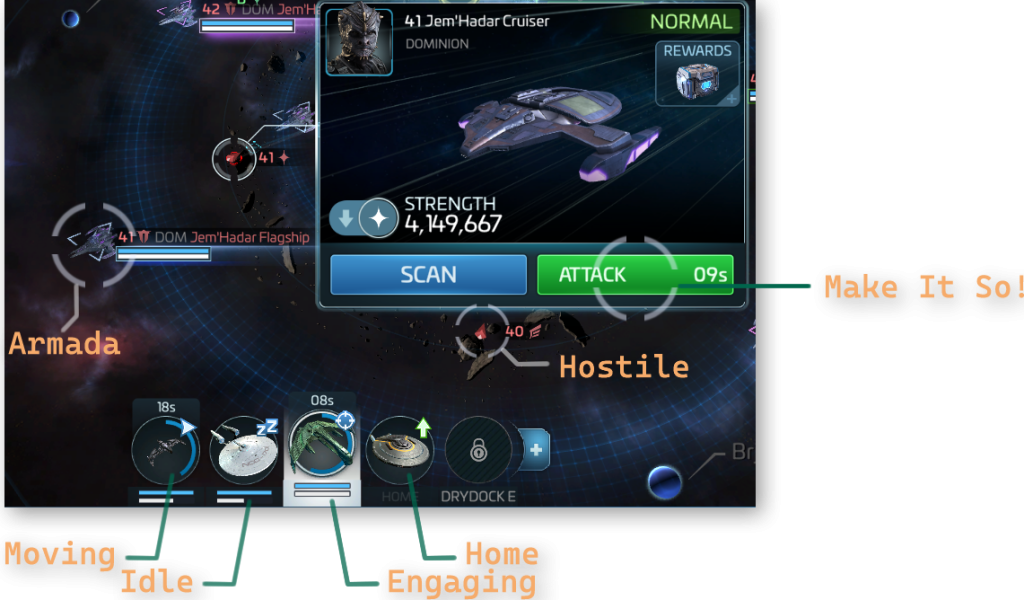
Combats Hostiles
Fights the reds for you. Automatically target and engage, while avoiding fellow players.
Set and forget all those hostile hunting tasks.
Return Full
Recalls automatically when the ship is full.
Perfect for Borg, Actian, Jem’Hadar, Swarm, Eclipse, …
Alliance Help
Automatically Support your team mates.
Alliance Unity done in a jiffy.
Discover a new way to enjoy STFC
Reduce the grind with machine learning automated game-play.
01
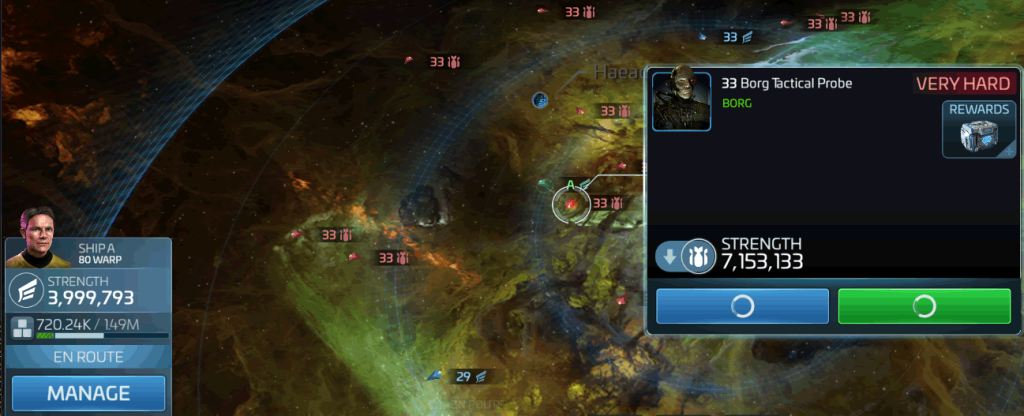
Automated Hostile Hunt
So many grind loops, so little time. Even with Freebooters, which only unlock over level 38 and require a ton of lengthy research to be effective, nobody really has the time to do it all. But FastTrek does.
Move your ship to a system of choice and press “Start”. That’s all it takes to finish Swarm Sunday, Crucible of War, Faction Hunt, and other Hostile Hunt events.
In FastTrek Ensign you can automate ship A. Higher plans control multiple ships simultaneously.
02
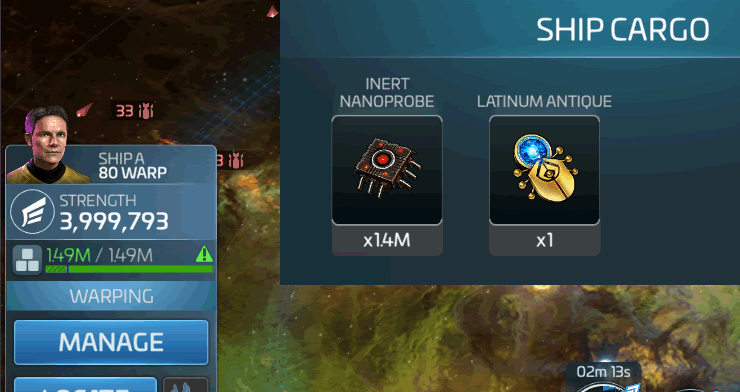
Recall when full
Ask FastTrek to grind Borg Nanoprobes, Actian Venom, Swarm Modulators, Jem’Hadar Antimatter Units, Eclipse Security Codes, and more.
Whatever in-game currency you are hunting, FastTrek recalls your ship to safety as soon as it is full, or (if deactivated) gain Faction Rep and/or Ship XP until destroyed.

03
Support your Allies
Sending Alliance Help speeds up construction, research and ship repair. Fast Trek sends this help automatically, so your dailies are done, your team mates are happy, and “Alliance Unity” is a slice of peach pie.
04
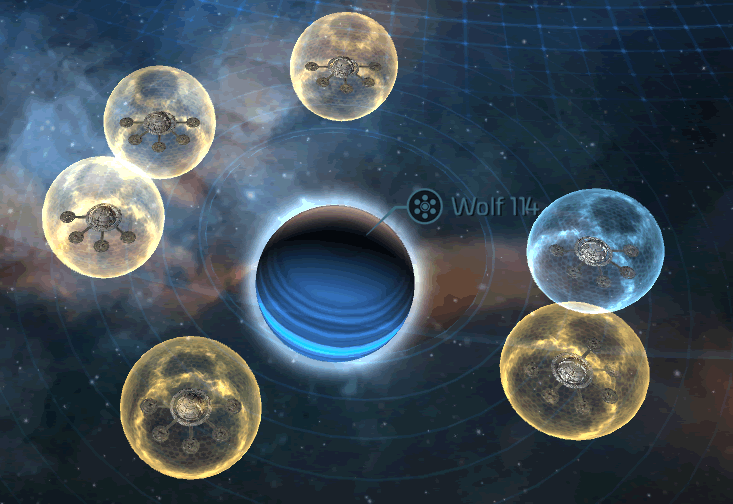
Coming soon: Stay Bubbled
Shield, don’t Share – FastTrek will keep you shielded at all times (while running and connected). Your resources remain protected for peace of mind, and you save yourself a sleepness night. So go on a weekend away, or a holiday in the boonies without reception!
See what other players say about us
Jules Alexander
Level 36
Syndicate XP
Absolute game changer with Actian Grind. I can now do the Syndicate XP chest every day, so saving years here
James Moses
Level 21
Alliance Unity
I can’t afford the millions of resources for contributions, but this makes alliance unity a doddle even if I’m not on all evening.
Bob McCarthy
Level 43
Ex-borg got nothing on this
The grind gets worse with every arc. I think I’d quit without Ex-Borg speed up for dailies. But this… is just a whole new level!
Latest from The Blog
Frequently Asked Questions
What is Star Trek® Fleet Command?
Star Trek® Fleet Command is a mobile game developed by Scopely. It is based on the Star Trek® franchise first created by Gene Roddenberry and allows you to build up your starbase and a fleet of iconic ships, crew them with well-known officers from the films and shows, each with their unique traits and abilities.
Take these ships on missions, discover new species and engage hostiles around the galaxy. Join with your friends and make new ones to engage powerful Armada targets, raid the bases of other alliance, and compete in daily, monthly, and special events.
Do you have what it takes to become the most powerful commander in the known universe?
What are some benefits of using FastTrek?
Fast Trek reduces game-play related fatigue, such as eye strain or RSI, as well as reducing the likelihood of brain damage caused by staring at screens and the mind-numbing clicking/tapping the same thing over and over again.
FastTrek runs alongside the PC version of Star Trek® Fleet Command and allows you to automate certain repetitive or otherwise time-consuming tasks. Your time could (and should) be spent more productively and healthily in the real world.
This includes the various “grind loops” and daily combat of hostiles that drop in-game currency for progression in the game. For example inactive nanoprobes from Borg Hostiles, Actian Venom from Actian Hostiles, Daily Swarm tasks, grinding faction XP (Federation, Romulan and/or Klingon), levelling up ships, etc, etc.
You will be able to progress faster in the game without exceeding your budget on packs.
Will this get me banned?
Fast Trek is intended to make your game play healthier. It uses computer vision to see and play the game as a human would in order to relieve strain and fatigue. As such the game makers will argue that it is an STFC bot, but truthfully it doesn’t use any ‘hacks’ to modify memory, internet traffic, or account parameters.
Fast Trek should be used on those occasions when you are pressed for time, but don’t wish to lose out on the “battle pass” or certain other rewards, or if the various grind loops are simply too much (oh boy, aren’t they though).
Can I use FastTrek on my phone?
At this time Fast Trek is only compatible with the PC version of Star Trek® Fleet Command. However, you can easily use remote control software such as TeamViewer or RealVNC to check its status and reconfigure remotely.
Can I use my computer while this is running?
Fast Trek uses advanced computer vision to play the game as if it were you. As such the game window needs to be visible on screen. It also takes control of your mouse and keyboard to interact with the game. This might interfere with other usage.
However, the question you should really be asking is: What else can I do in Real Life while Fast Trek is advancing the game for me? Hint: have a romantic meal, do homework, put kids to bed, drive to or from work, watch a movie, or just sit there and watch the magic!
Or, if you’re technically minded, you can install Fast Trek on a virtual machine.

Get on the fast track with FastTrek
Take your game to the next level!